Build pages that survive a theme change
A drag-and-drop page builder for Shopify stores. Design pages on a real canvas -- see the layout as you build it, not as a stack of settings panels -- using a component set that isn't tied to what your current theme happens to support. Pages aren't stored inside a specific theme's files, so switching themes doesn't mean rebuilding them.
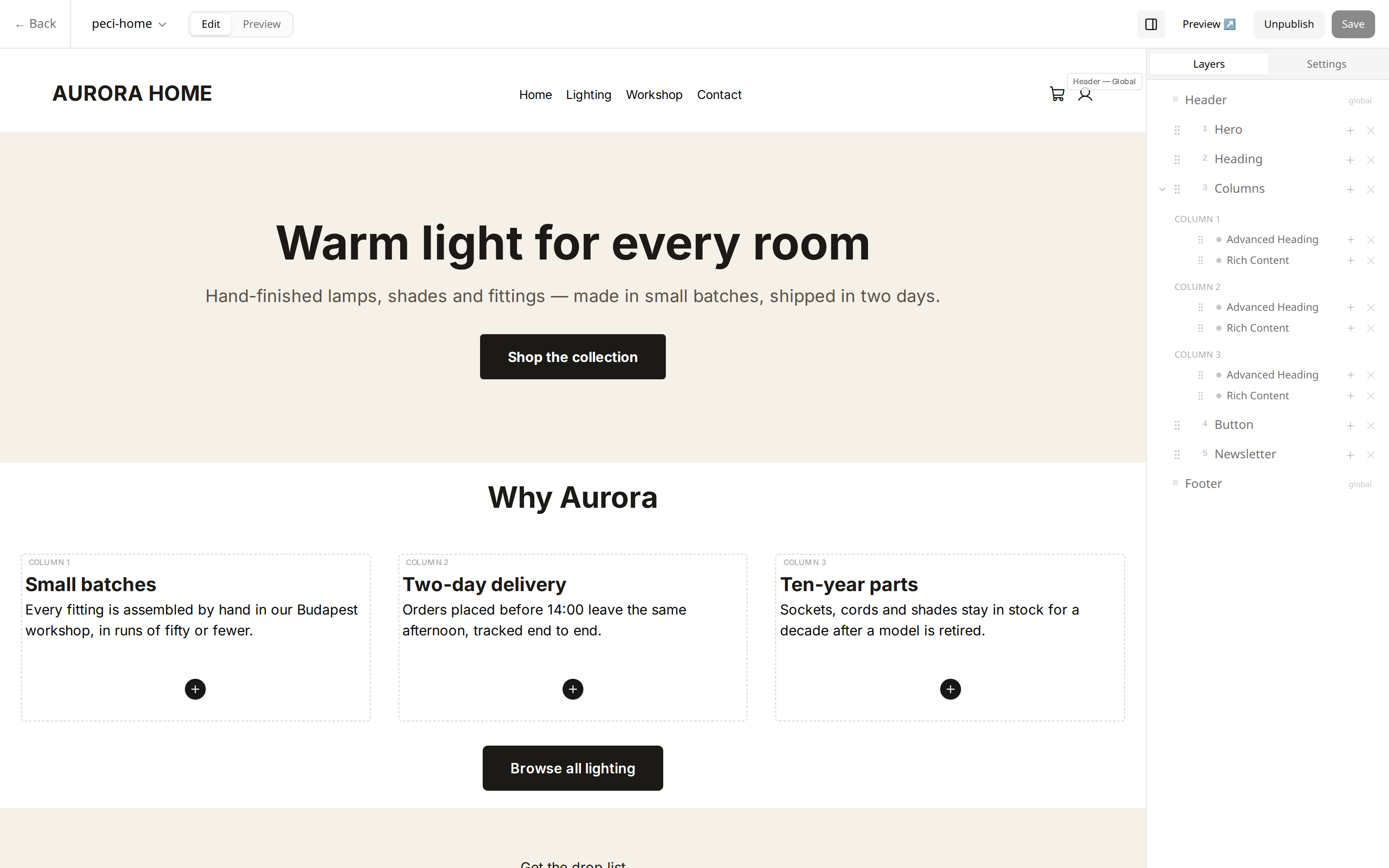
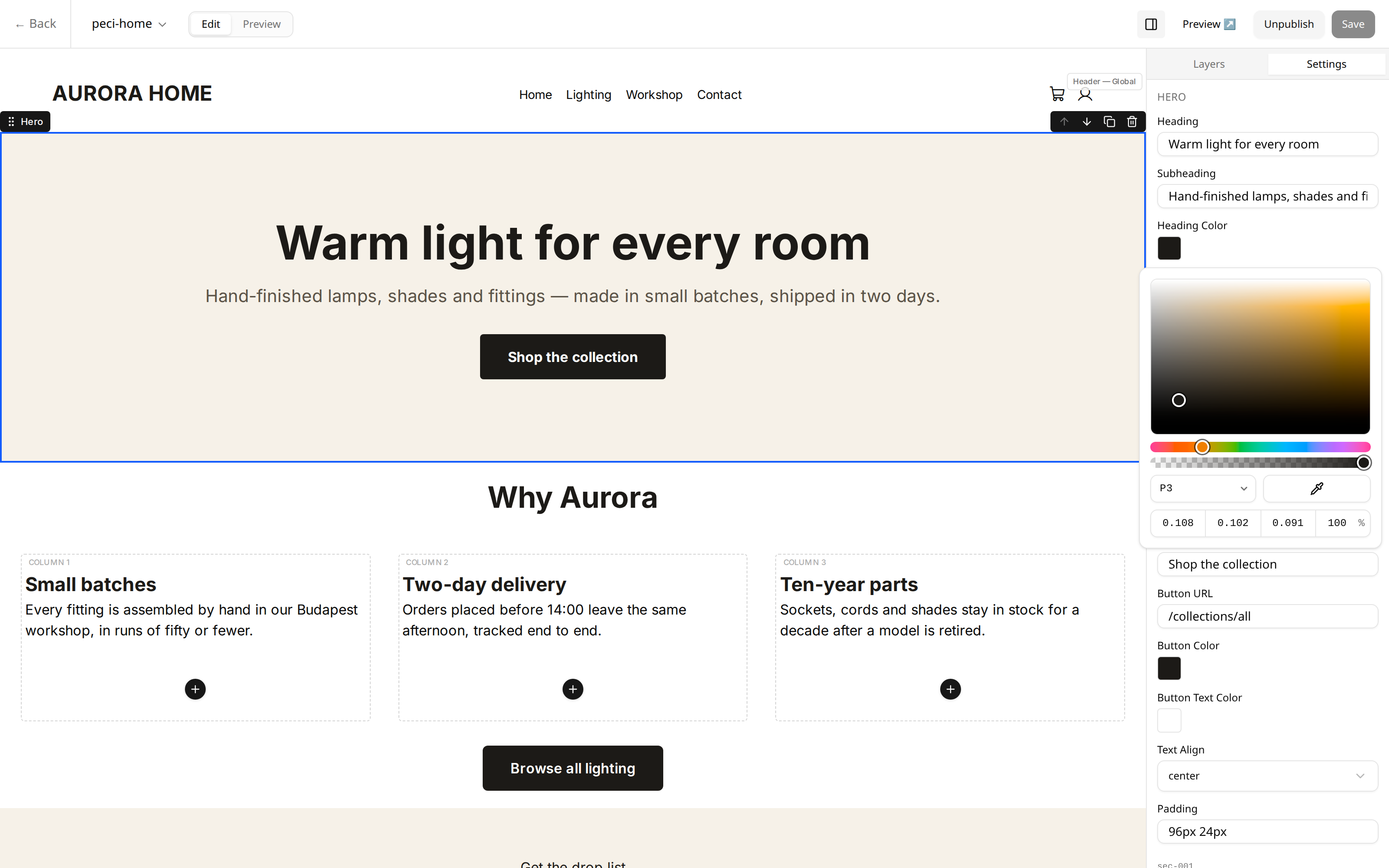
The editor canvas -- what you build is what shows on the page, no separate settings-only view.
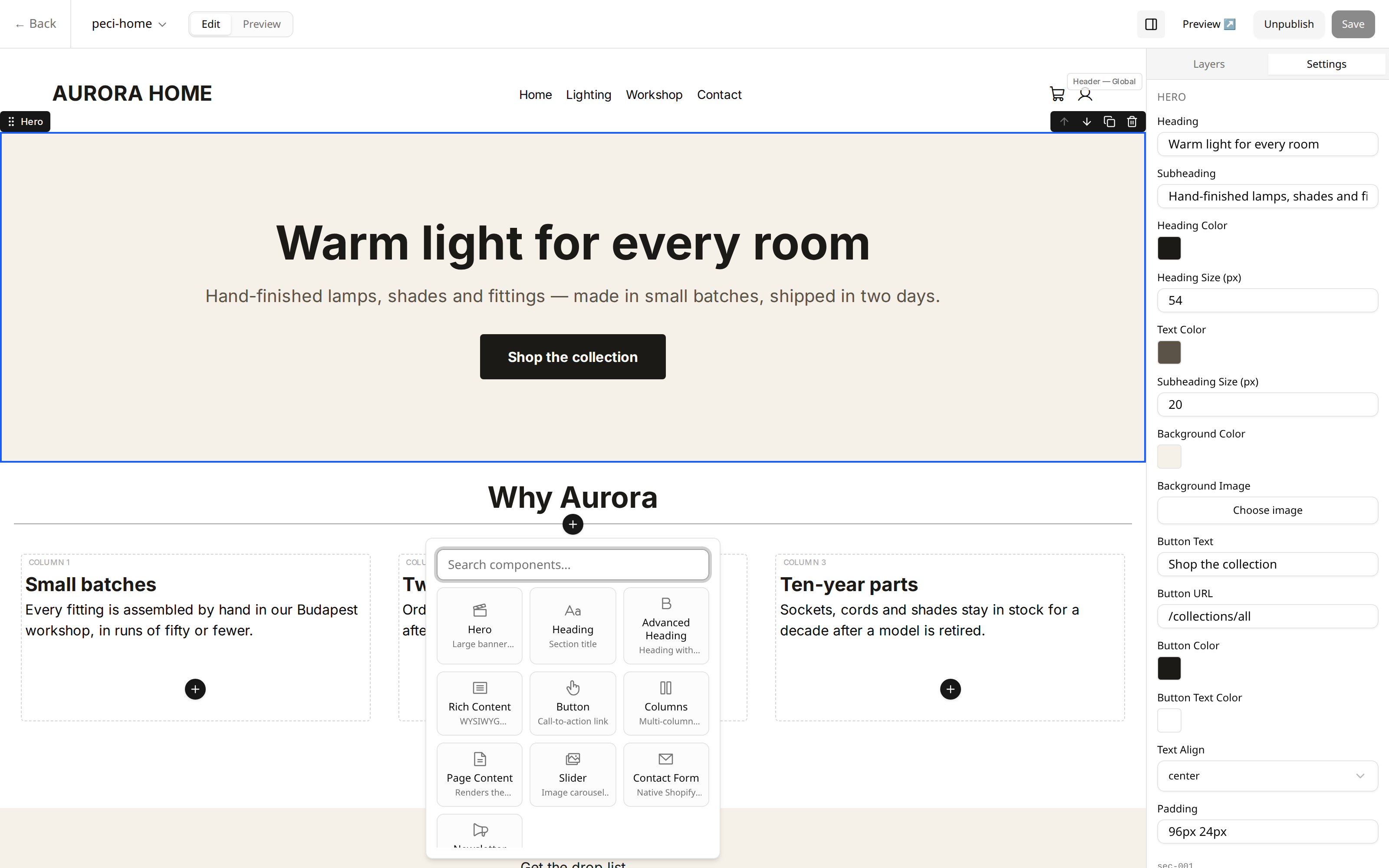
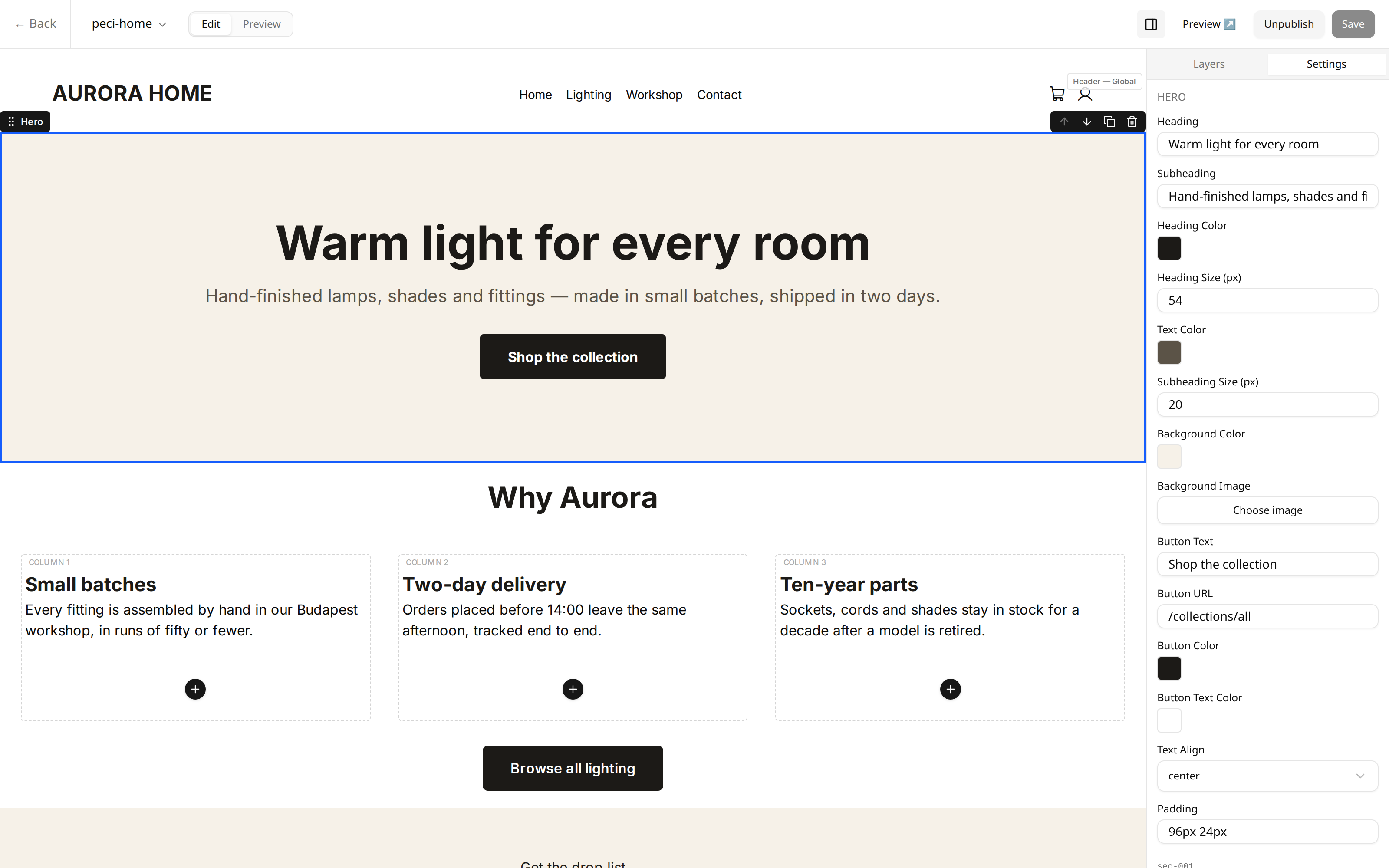
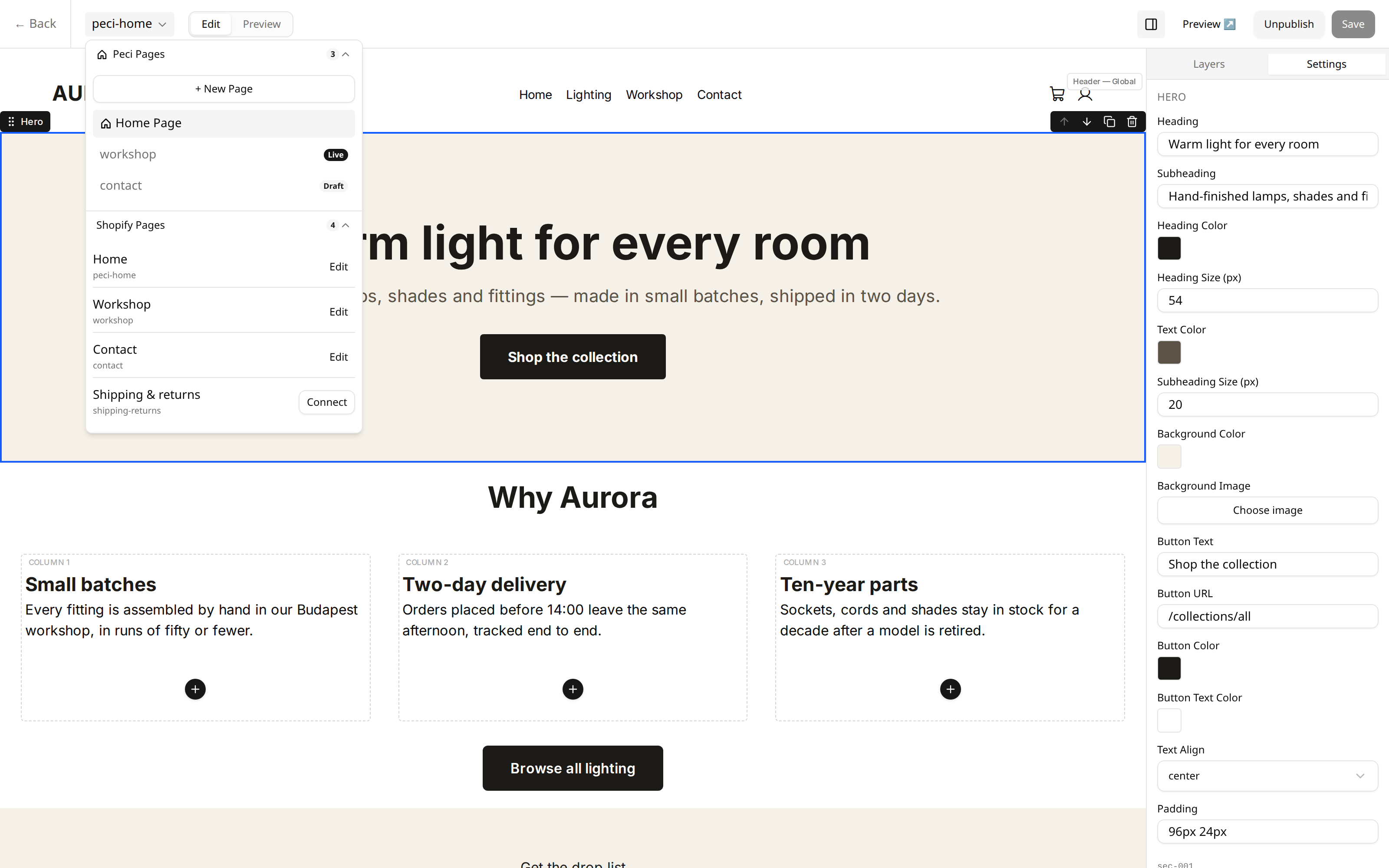
What makes it different
Keep your pages when you switch themes
Pages aren't stored inside a specific theme's files -- they're built to move with your store, not stay behind when you redesign.
A real canvas, not a settings panel
Edit visually and see the result as you work, instead of guessing from a list of options.
A component set independent of your theme
Twelve block types, available regardless of what your theme's own sections support.
Installation you can back out of
Before anything changes in your theme, it's backed up. Removing the app restores it -- this isn't a one-way door.
Move your work with you
Export your page layouts and settings, and import them back -- for backups, or moving configuration between stores.
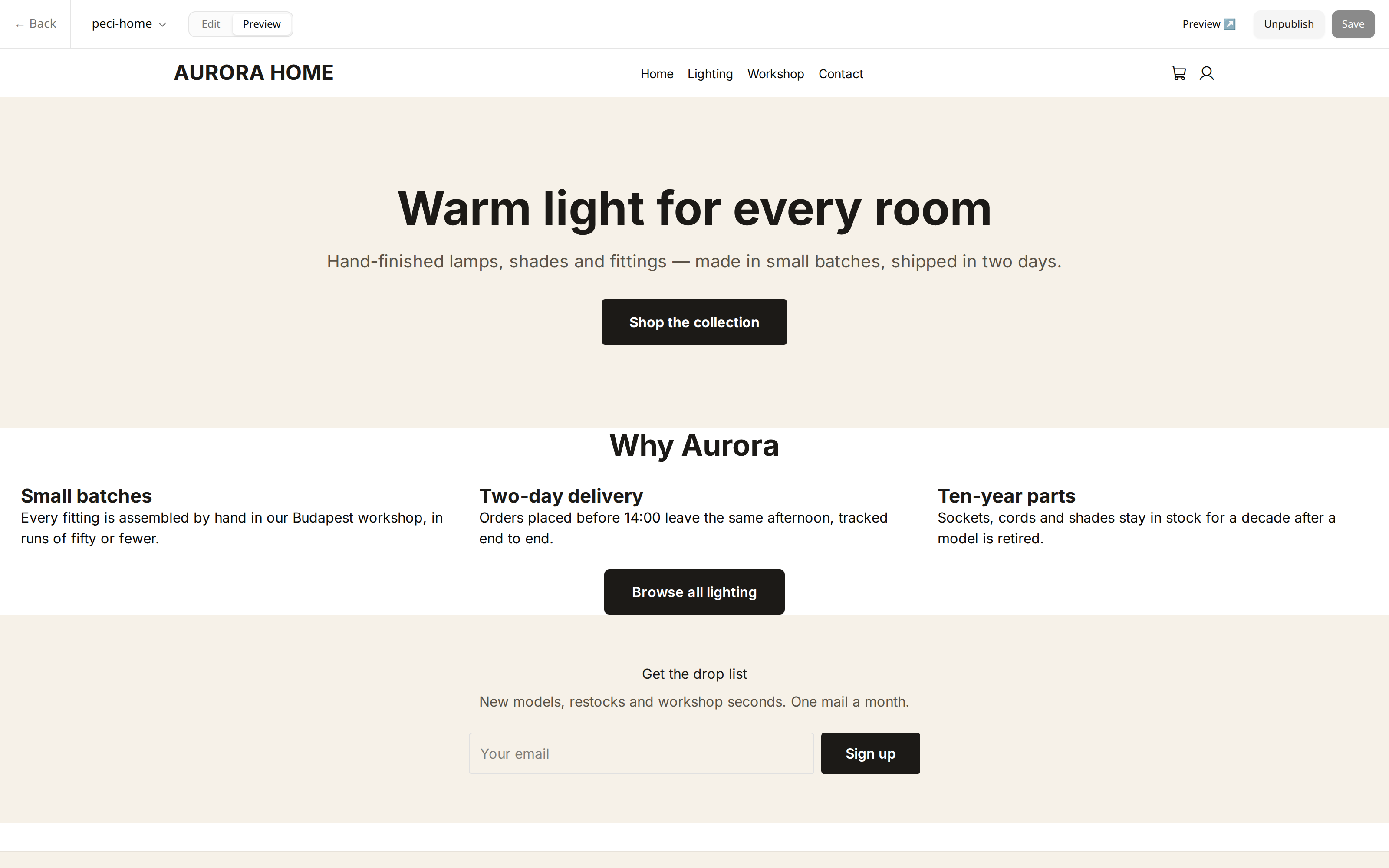
About these screenshots: the store name, products and page content shown ("Aurora Home") are fixture data built for this preview, not a real merchant's store. The editor, panels and controls are the actual shipped interface.
One planned feature isn't shown here on purpose: a built-in contrast checker exists in the code but isn't wired into the color picker yet, so it isn't part of this preview.
This app is in development and is not yet submitted to the Shopify App Store. This page is a review preview, not a live product page -- there's no signup here yet. Questions go to hello@peci.io.